Multiple choice
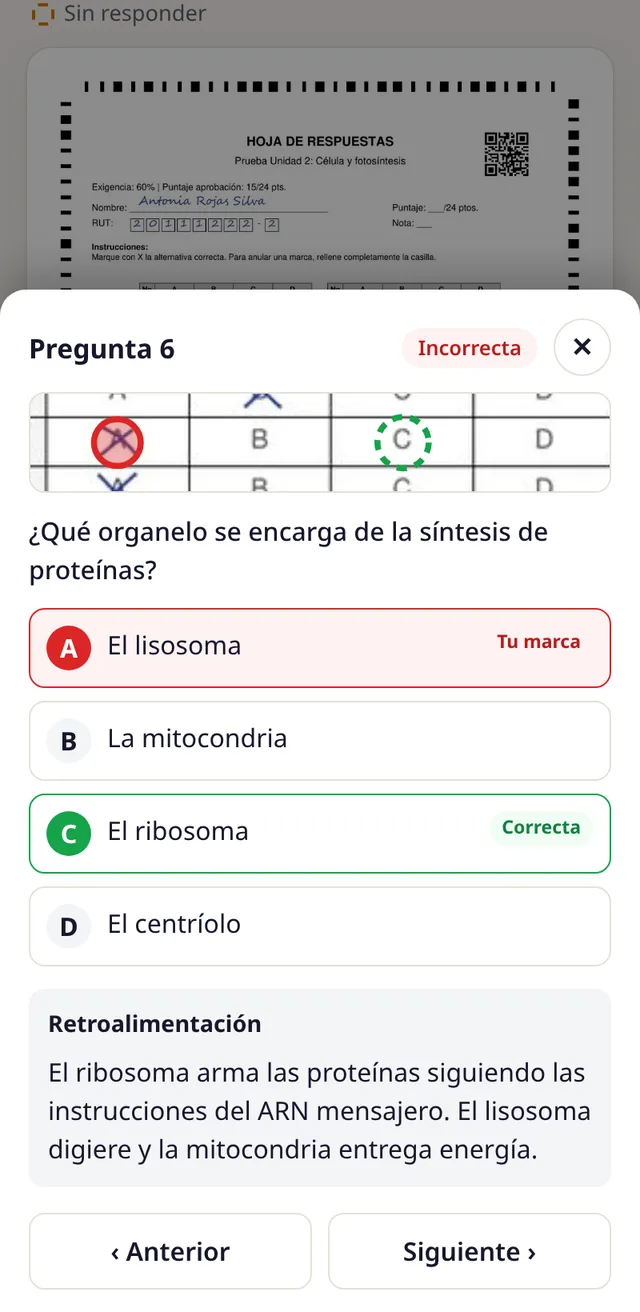
Several options with one correct answer. Supports general and per-option feedback, which the student later sees in the portal.
So you can decide with the facts
This page describes what the app does today, plainly. If you still have a question after reading it, write to us.
They can be freely combined in the same test.
Several options with one correct answer. Supports general and per-option feedback, which the student later sees in the portal.
Two fixed options. You can also build a whole test of true/false questions only, with its own sheet.
Free response. You set how many lines it takes and how the space is printed: lines, an empty box, blank space, or an answer on a separate sheet. The teacher assigns the score and can leave a comment.
A brief response that can be moved to the answer sheet, so you collect a single sheet per student.
Statements I, II, III and options such as “I only” or “I and II”. Graded like a multiple-choice question.
Any question can carry an image. You place numbered labels on it, with a dot or an arrow, each with its expected answer.
Made for anatomy, maps, diagrams, circuits or any figure where the student must identify parts. Upload the image, click where each label goes and drag the number so it does not cover the drawing. The printed test shows the image with its numbers and the space to answer.
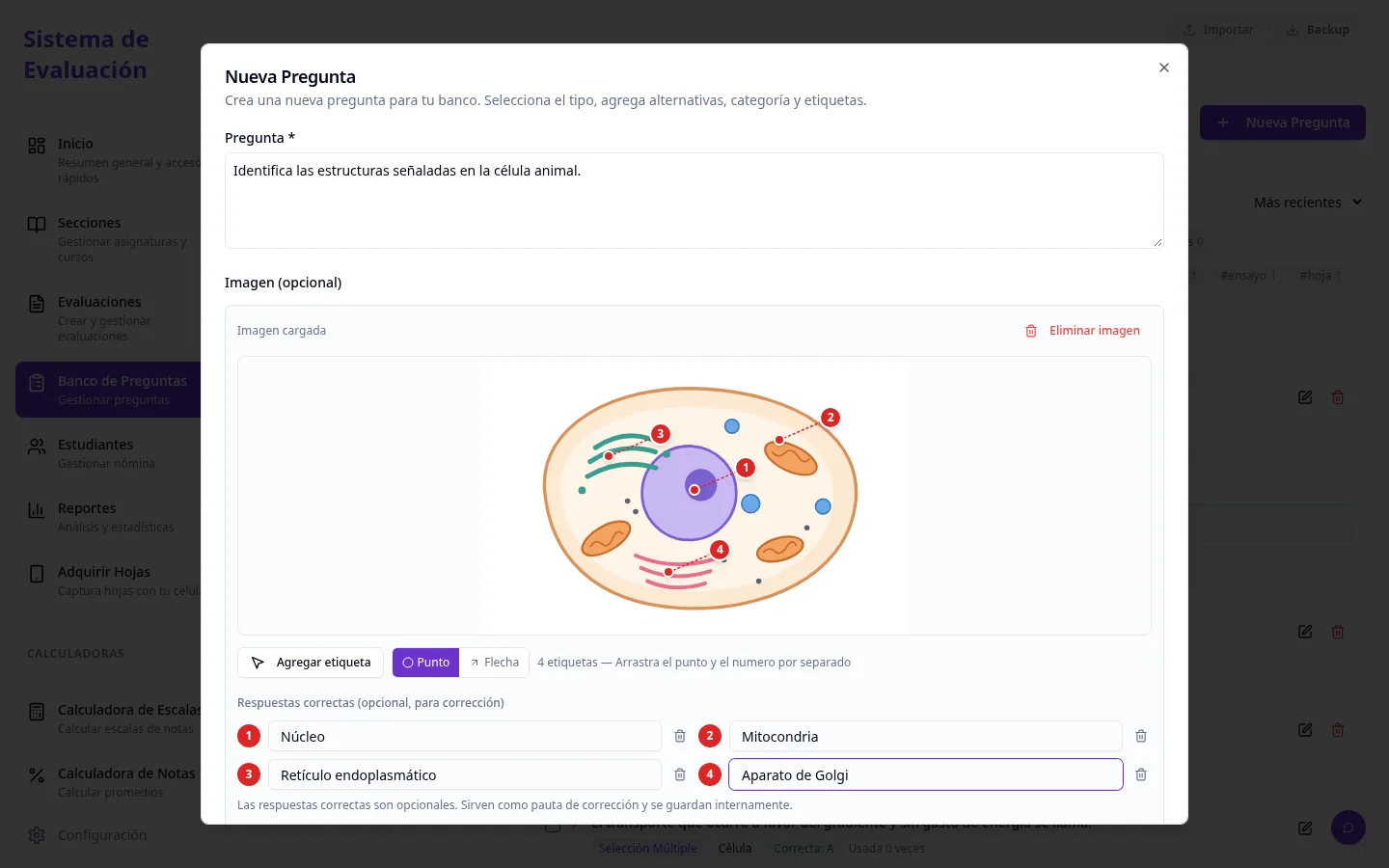
You create or import the questions: the app does not ship with a bank. They are stored once and reused across all your tests.
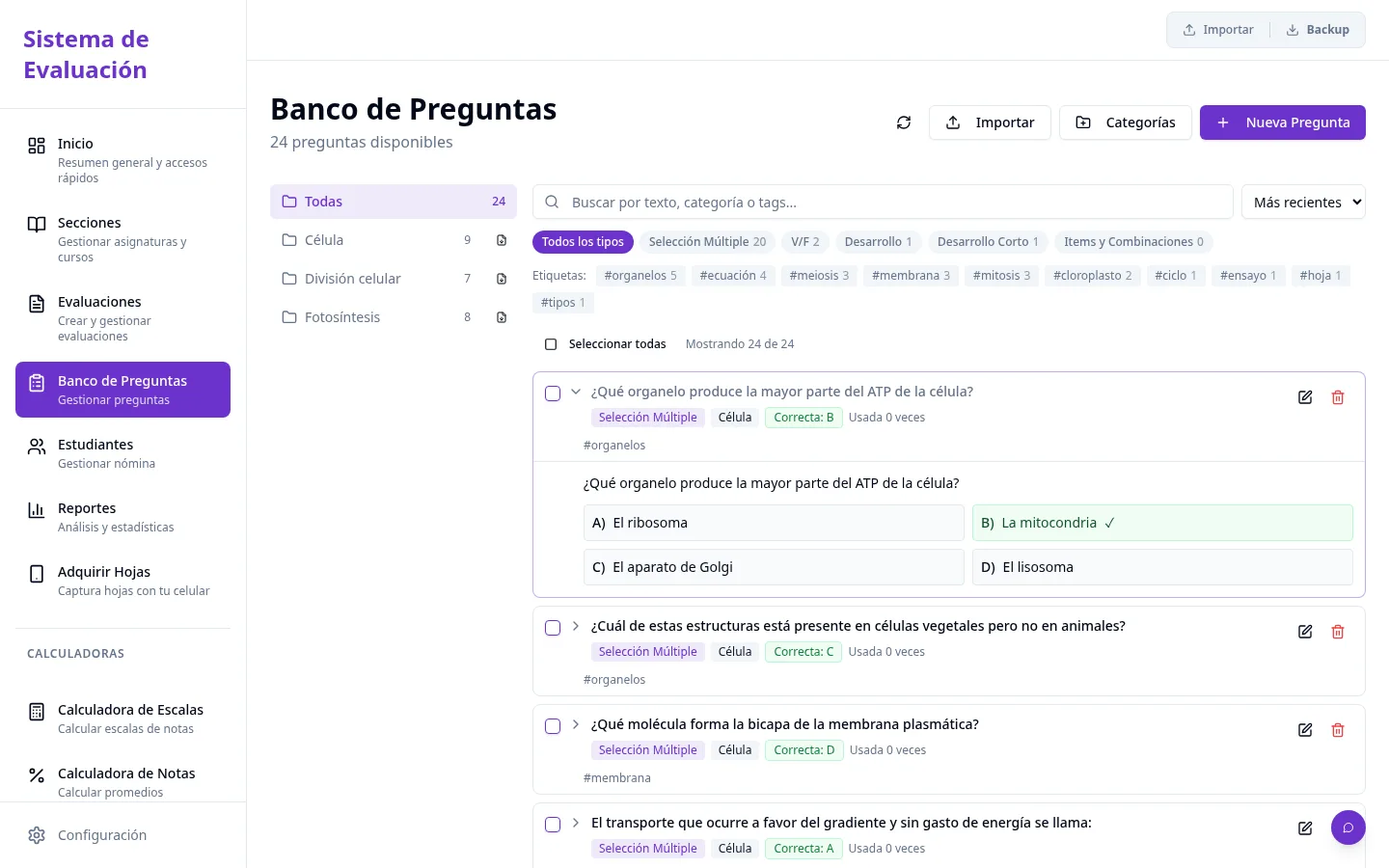
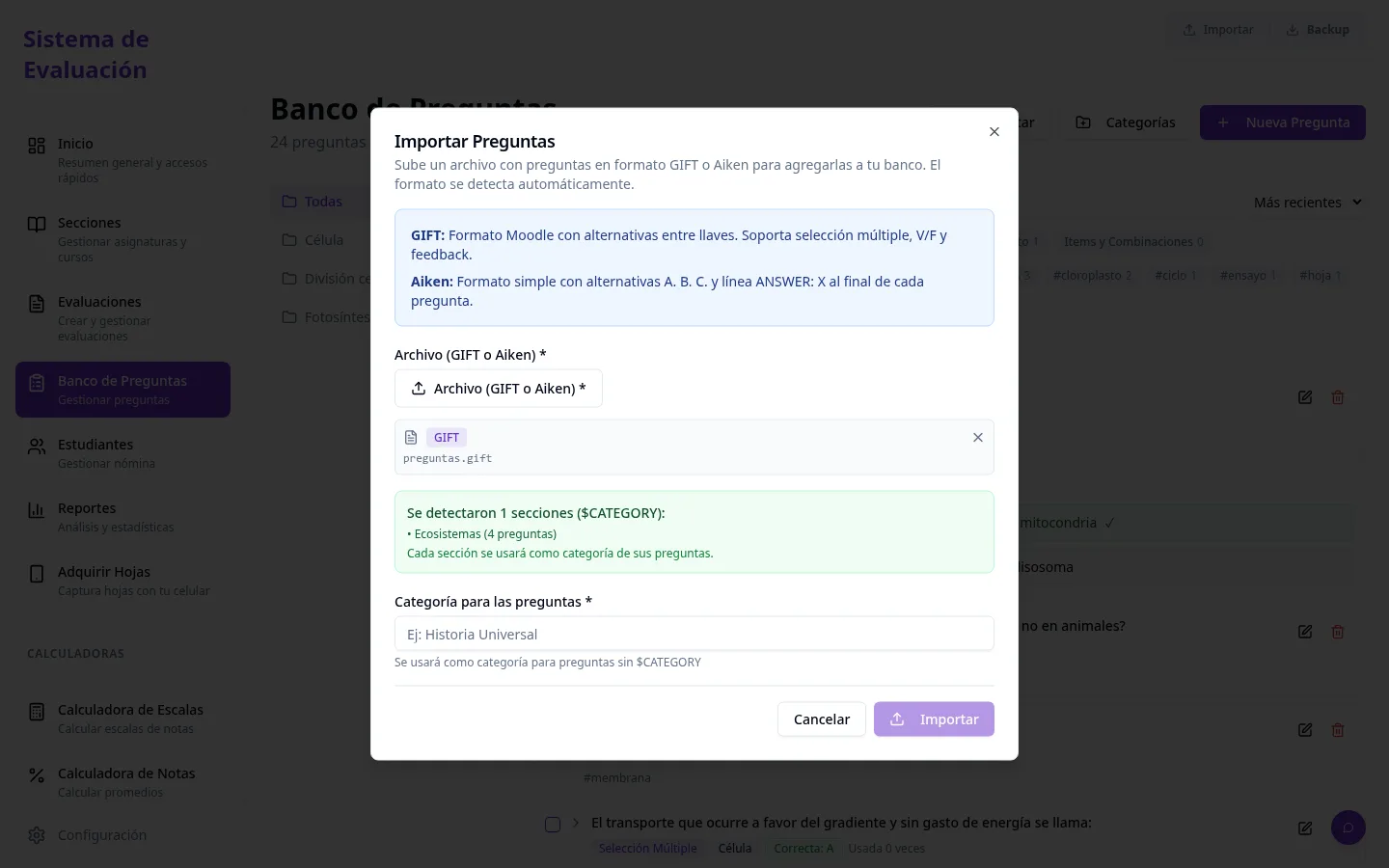
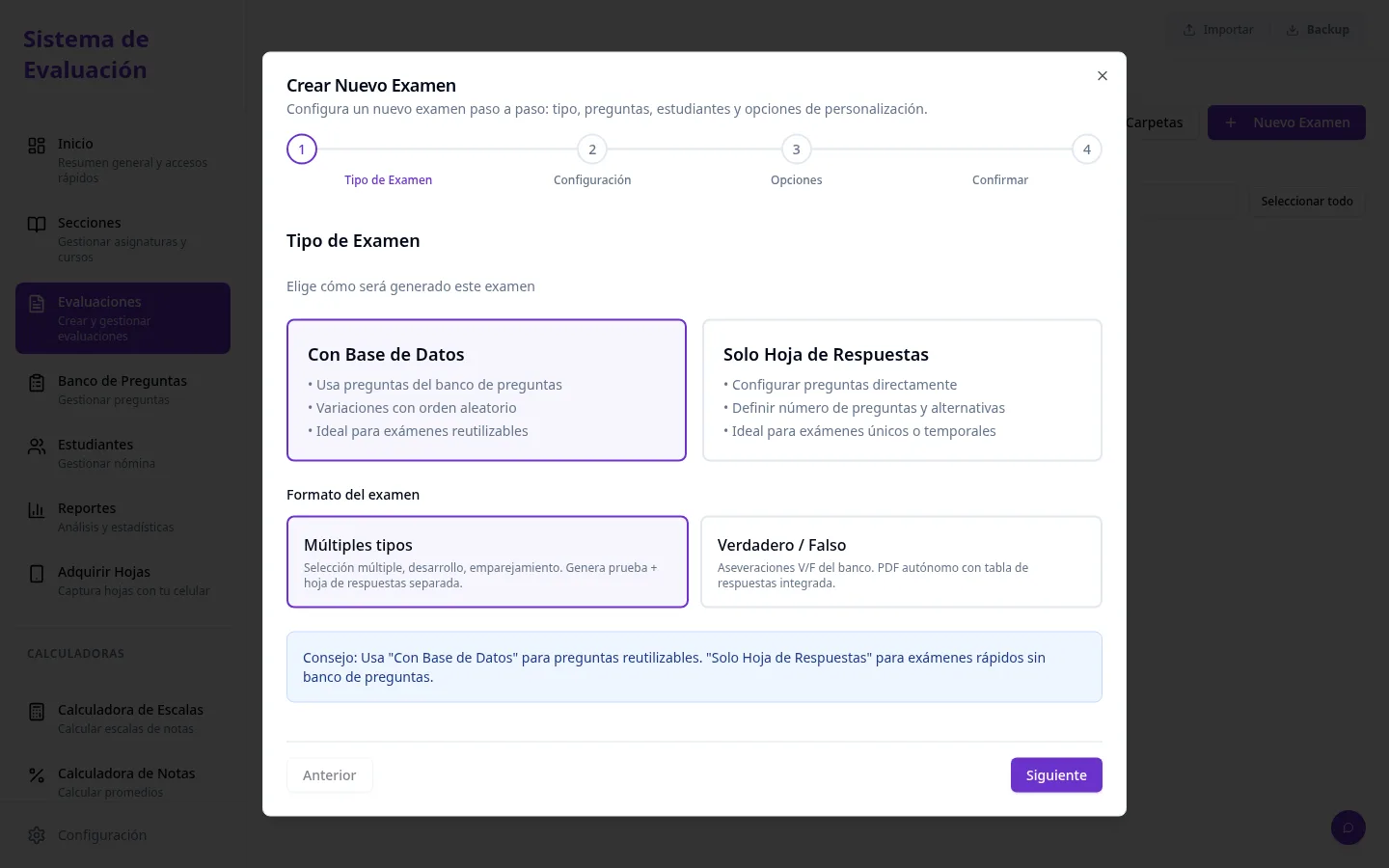
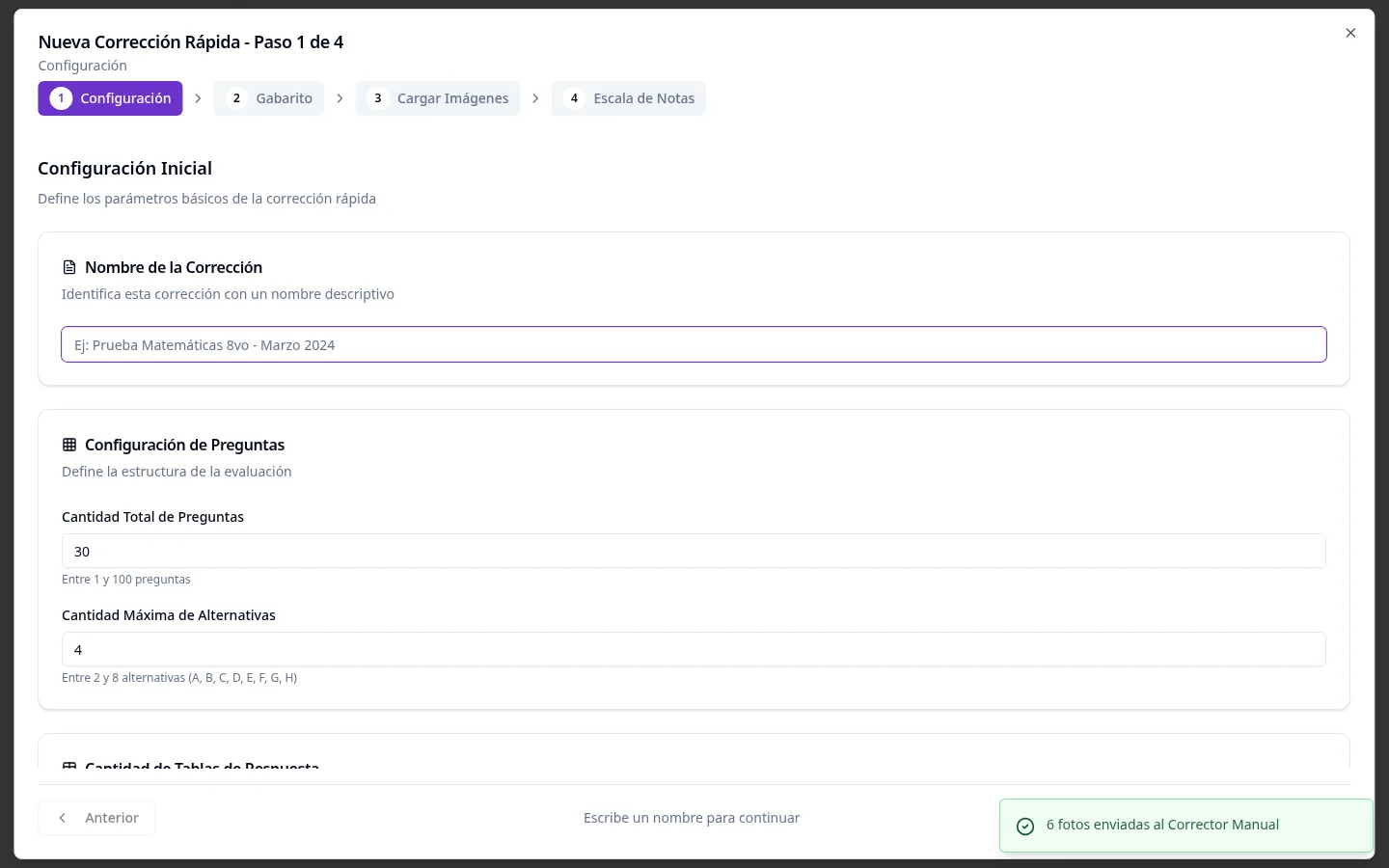
From the bank, or with just an answer key if the test already exists on paper.
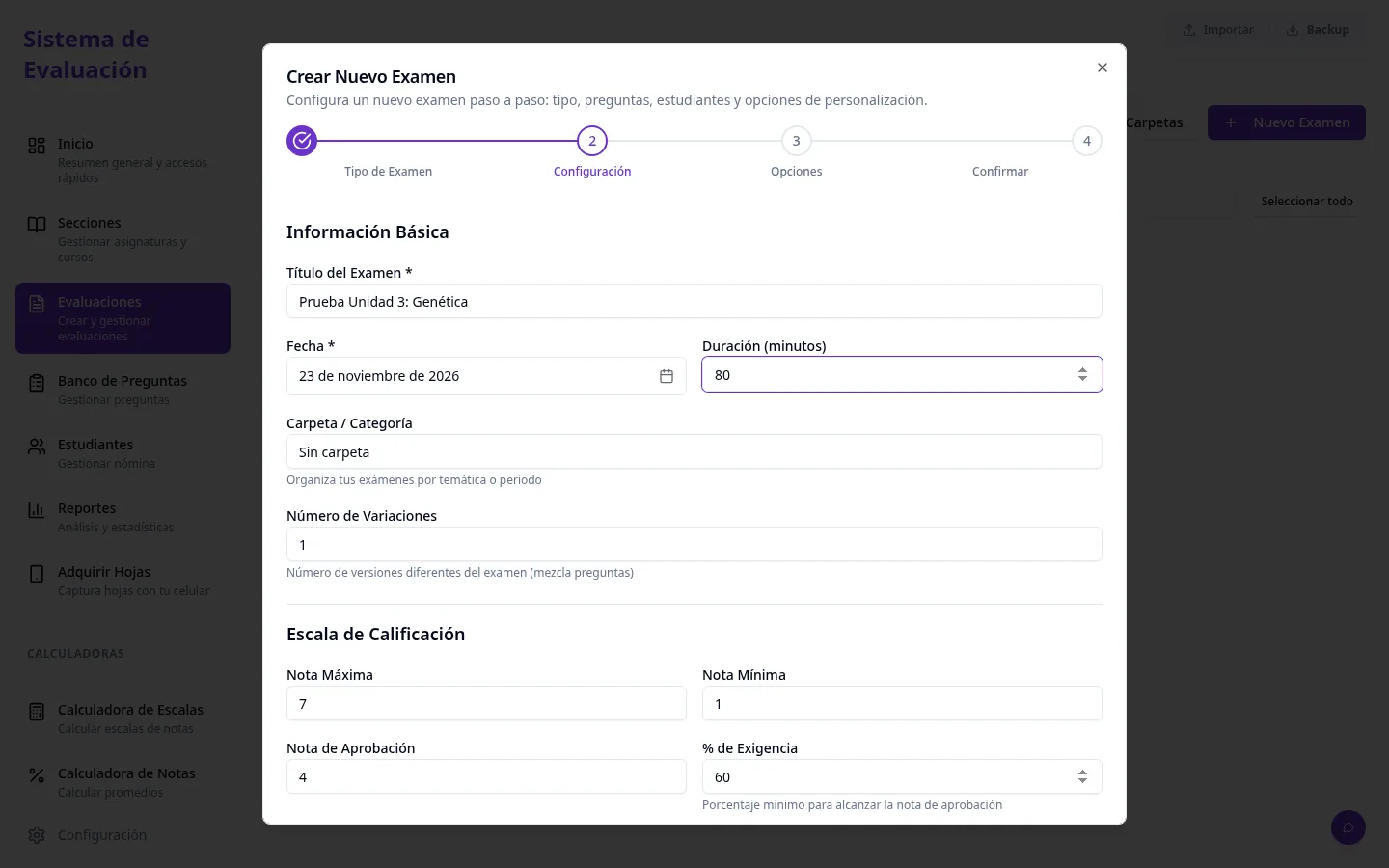
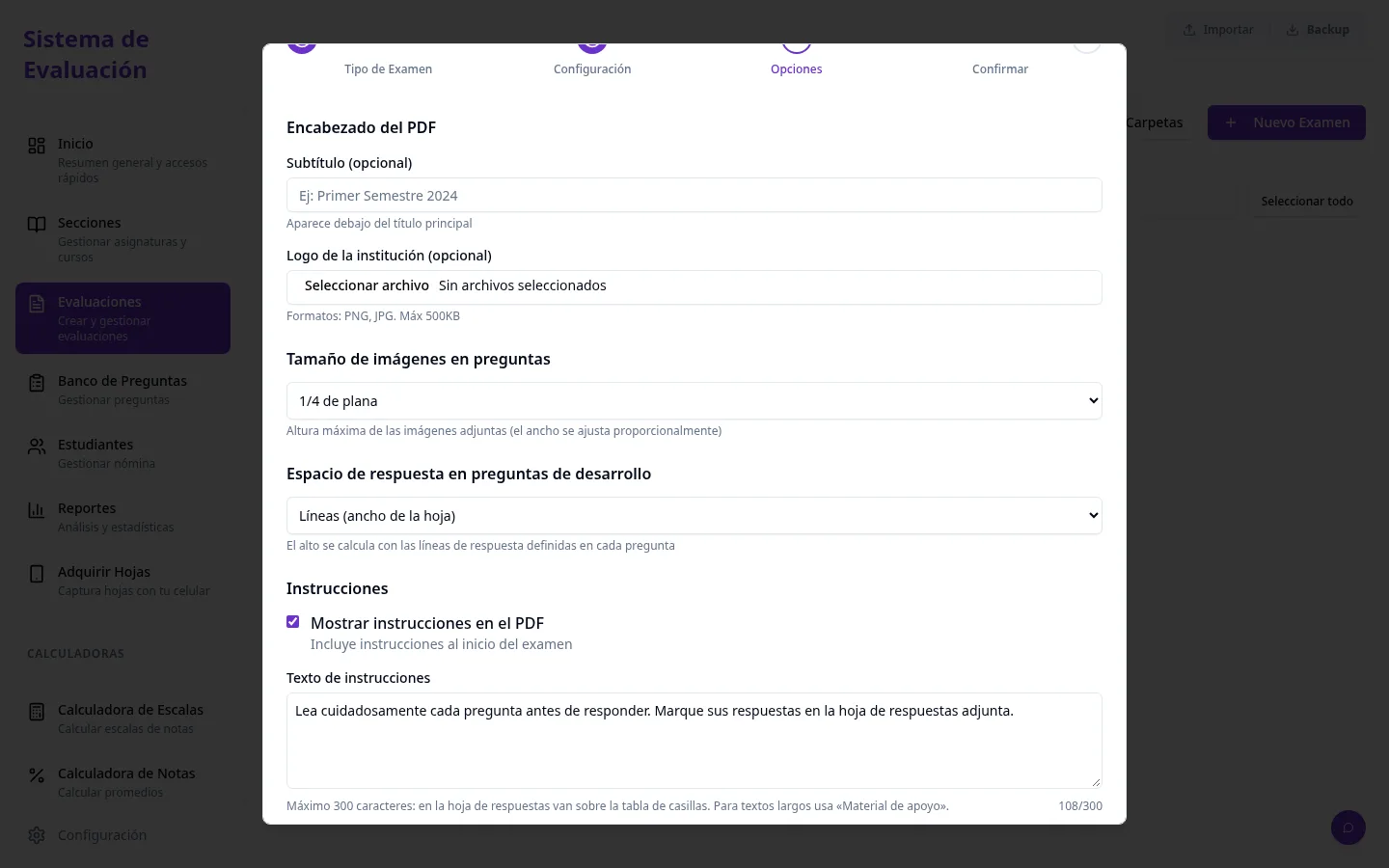
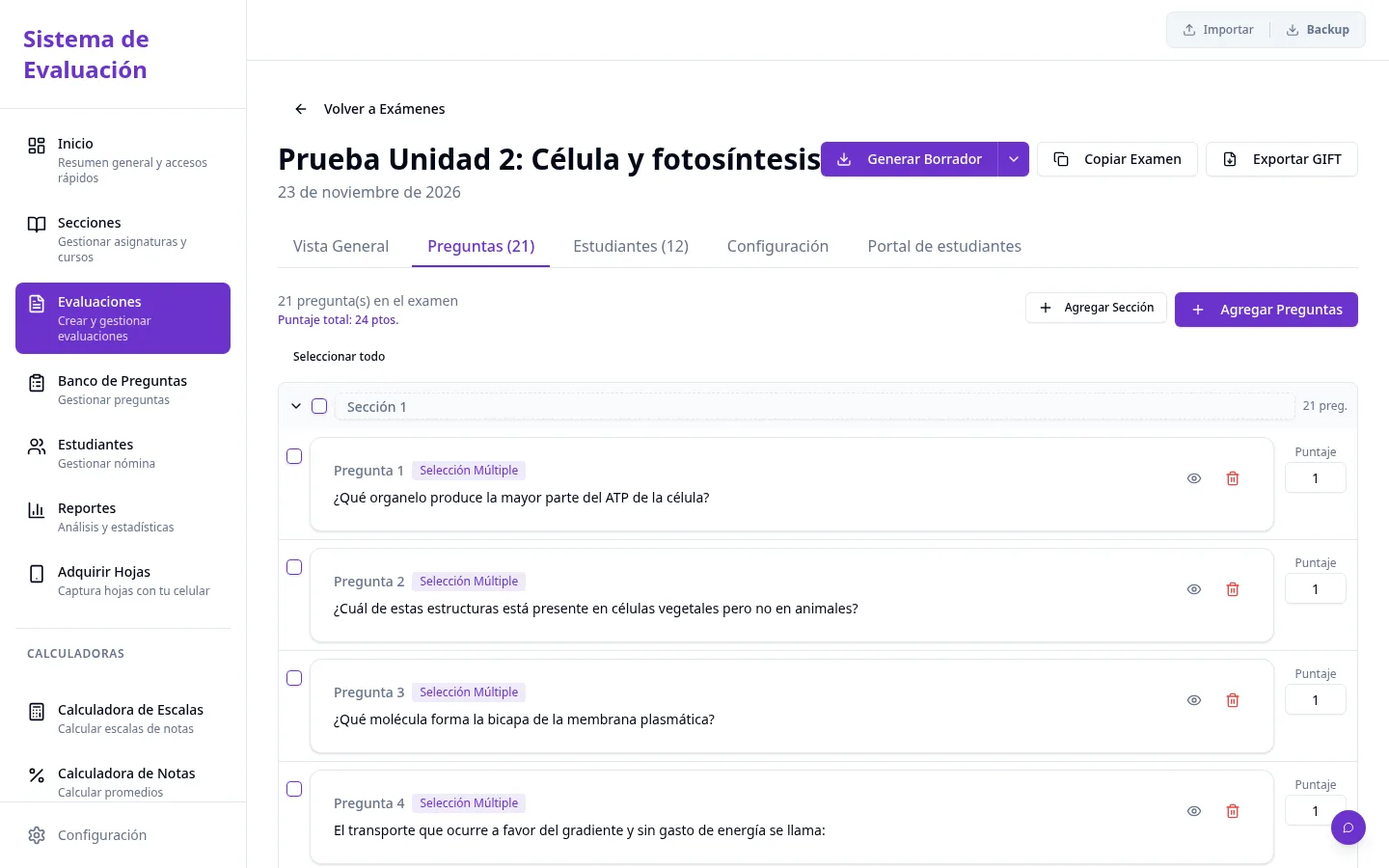
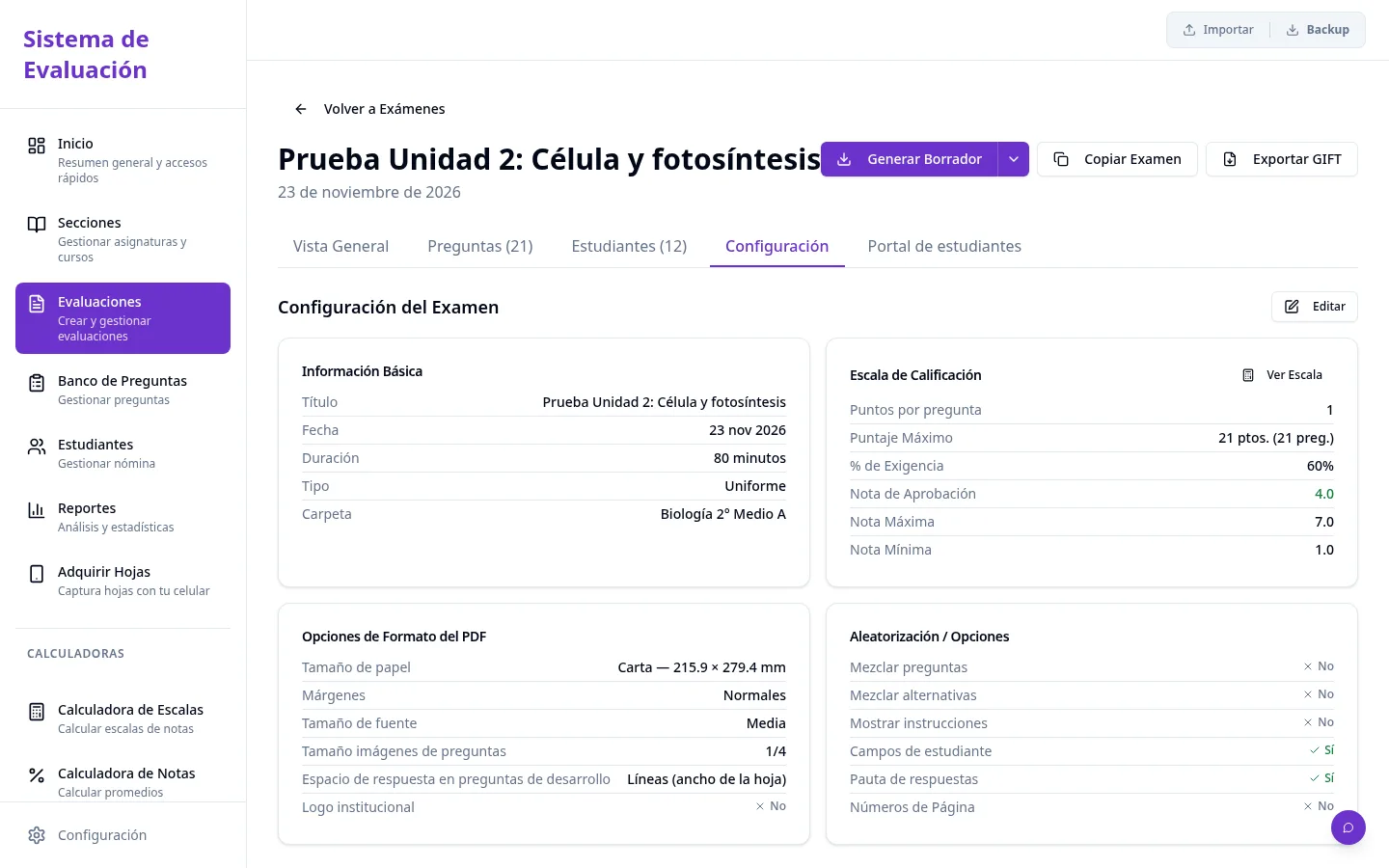
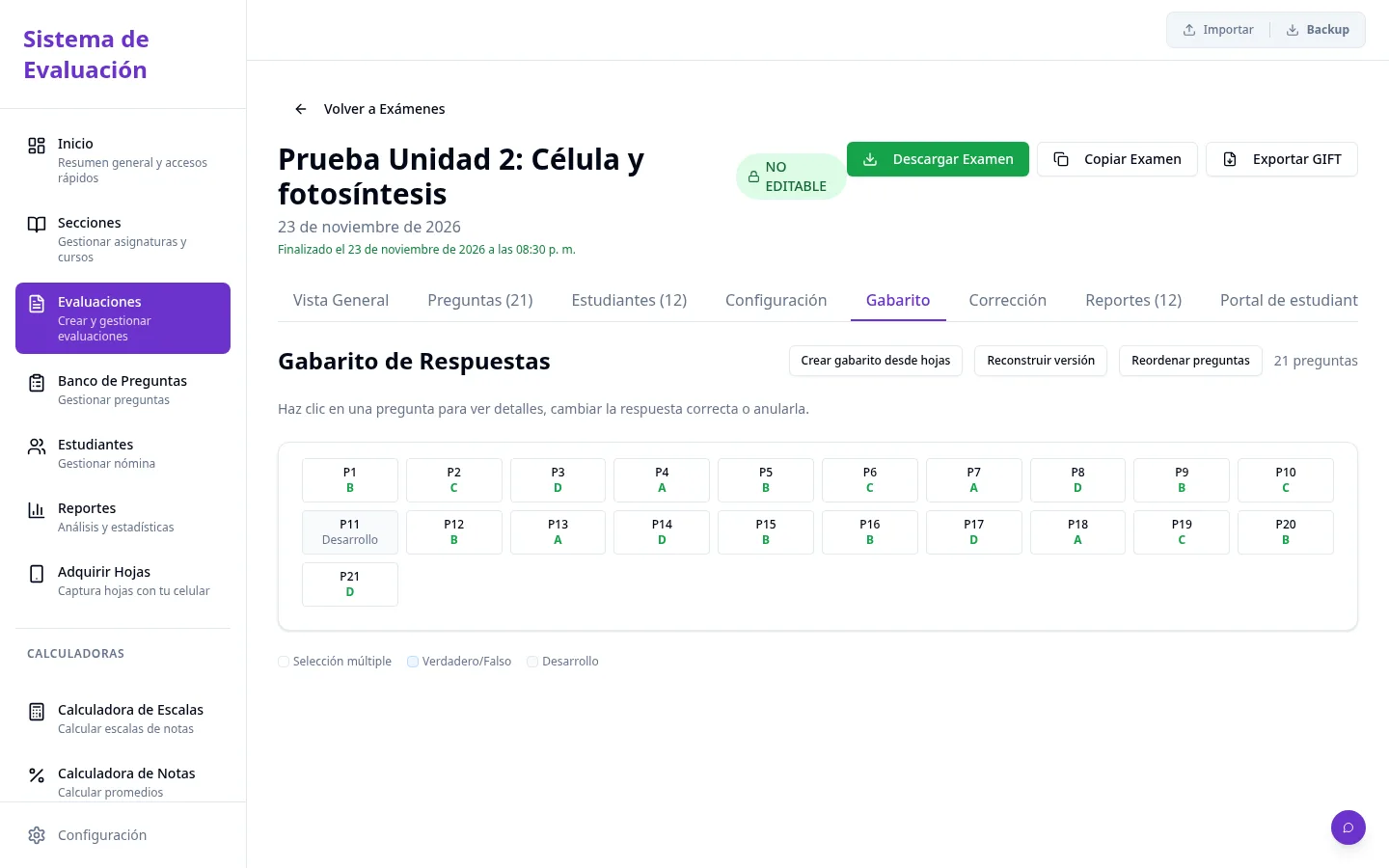
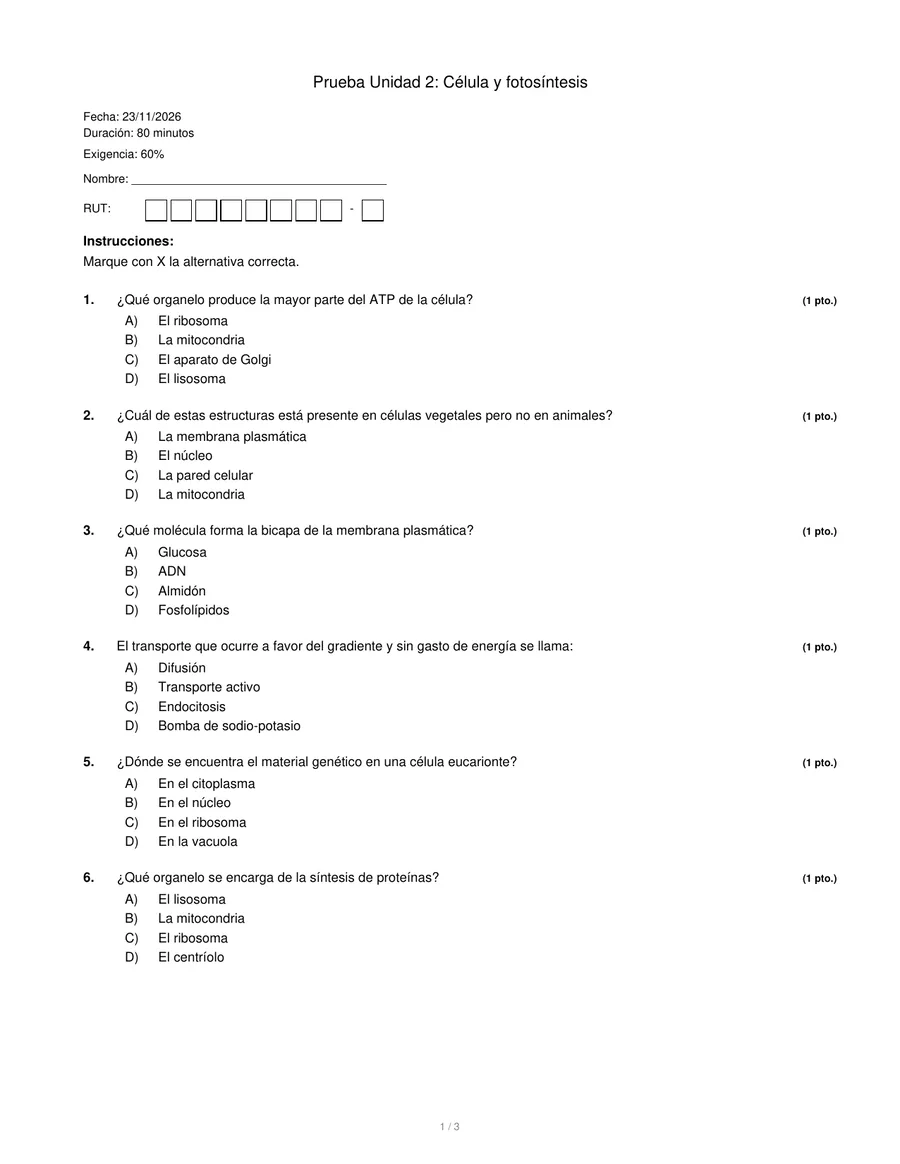
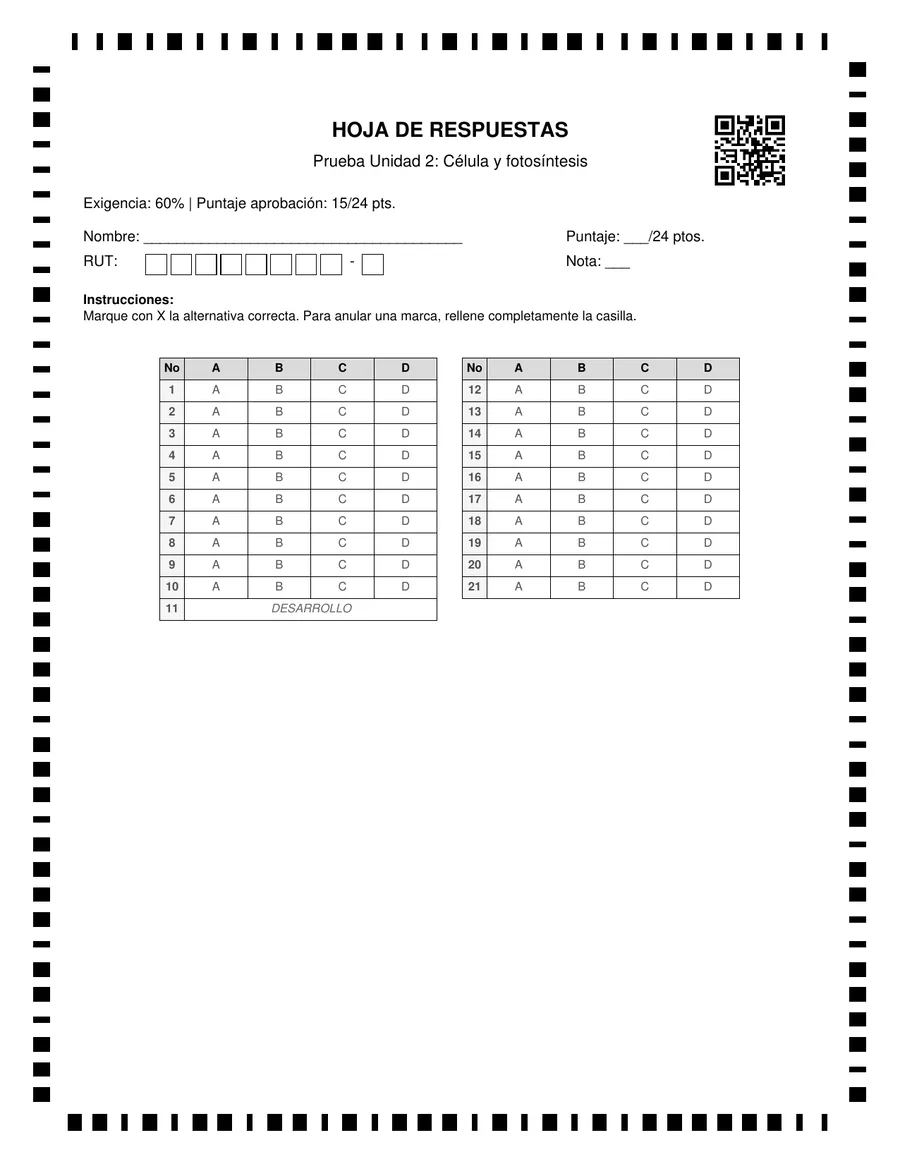
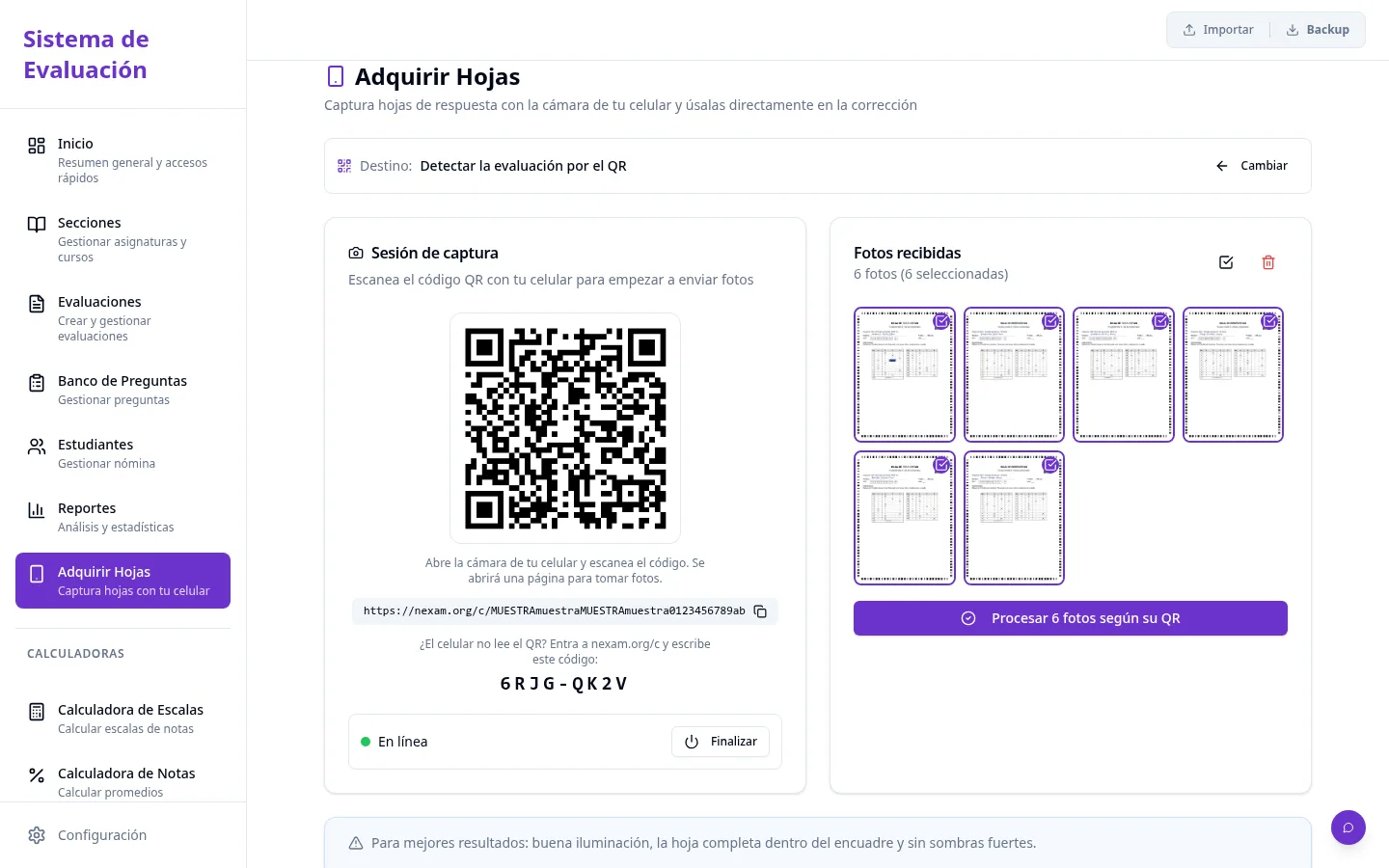
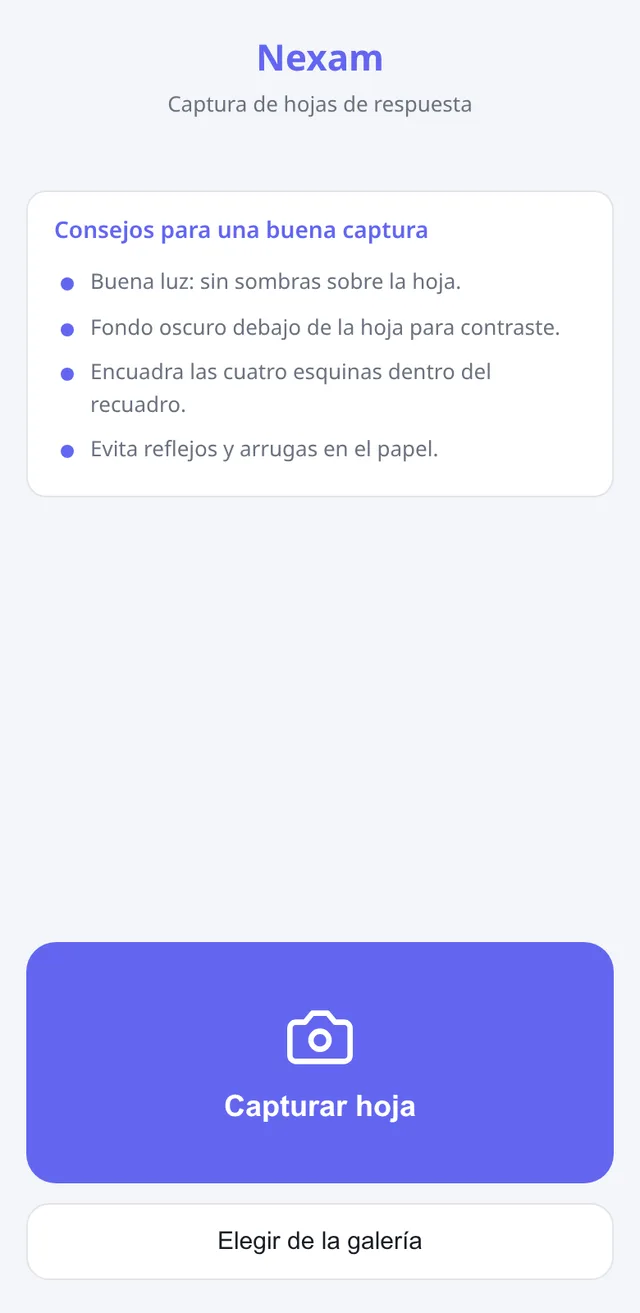
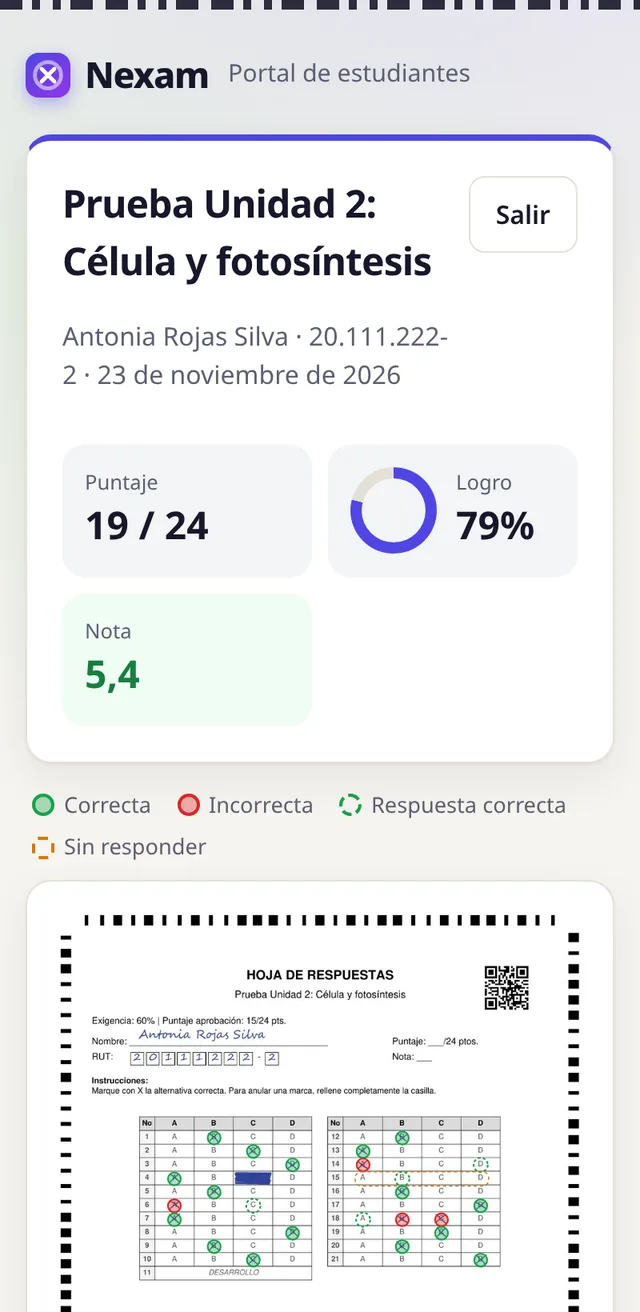
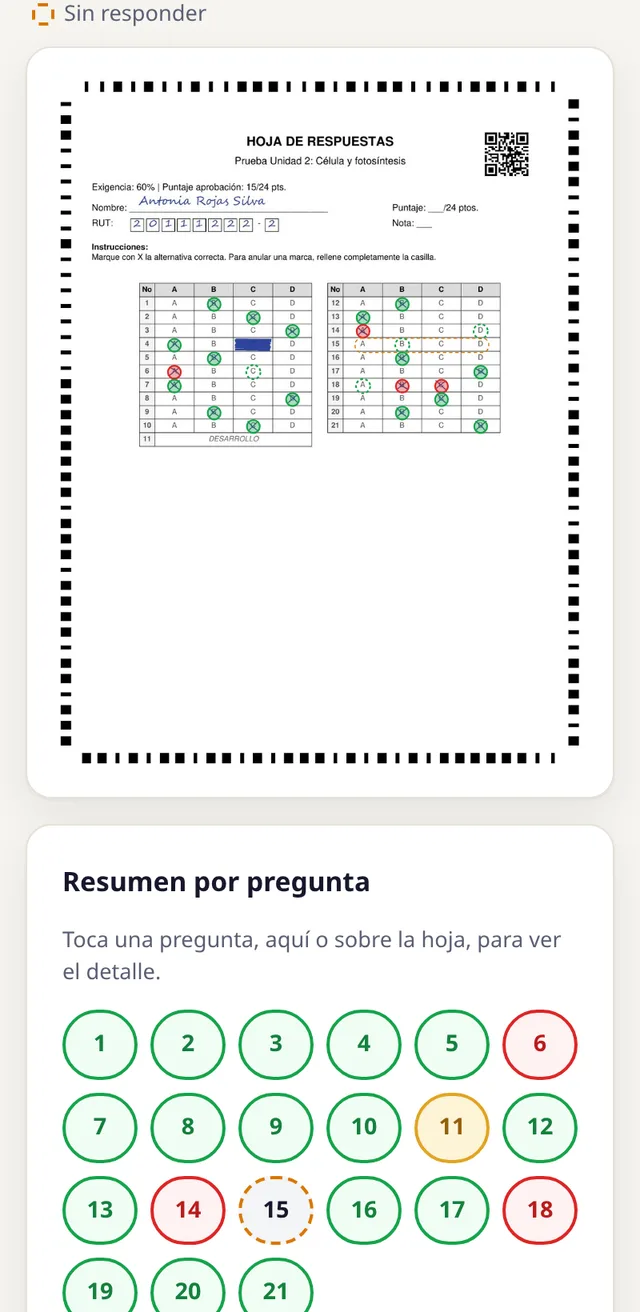
The app reads the sheets and leaves the doubtful calls to you.
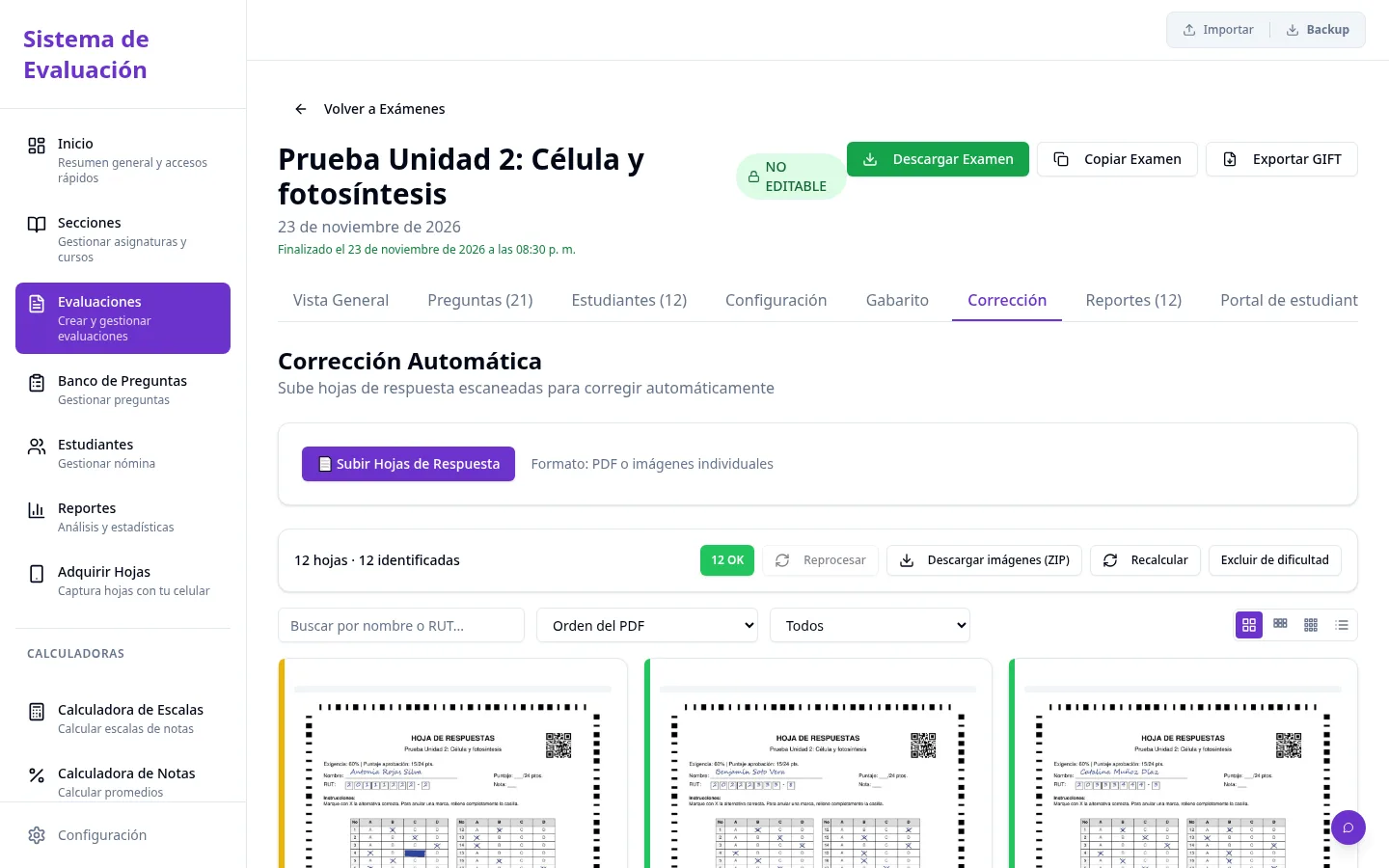
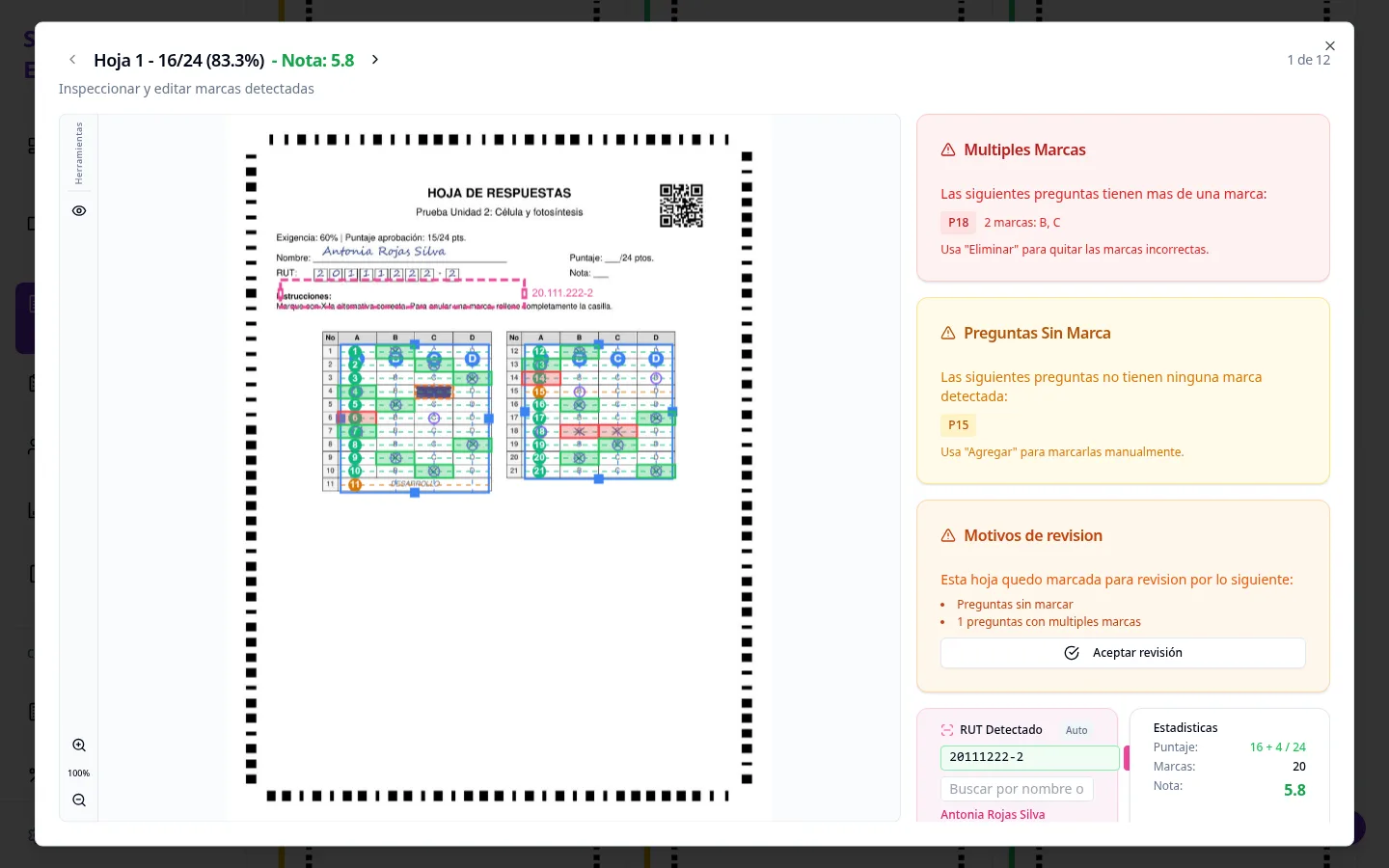
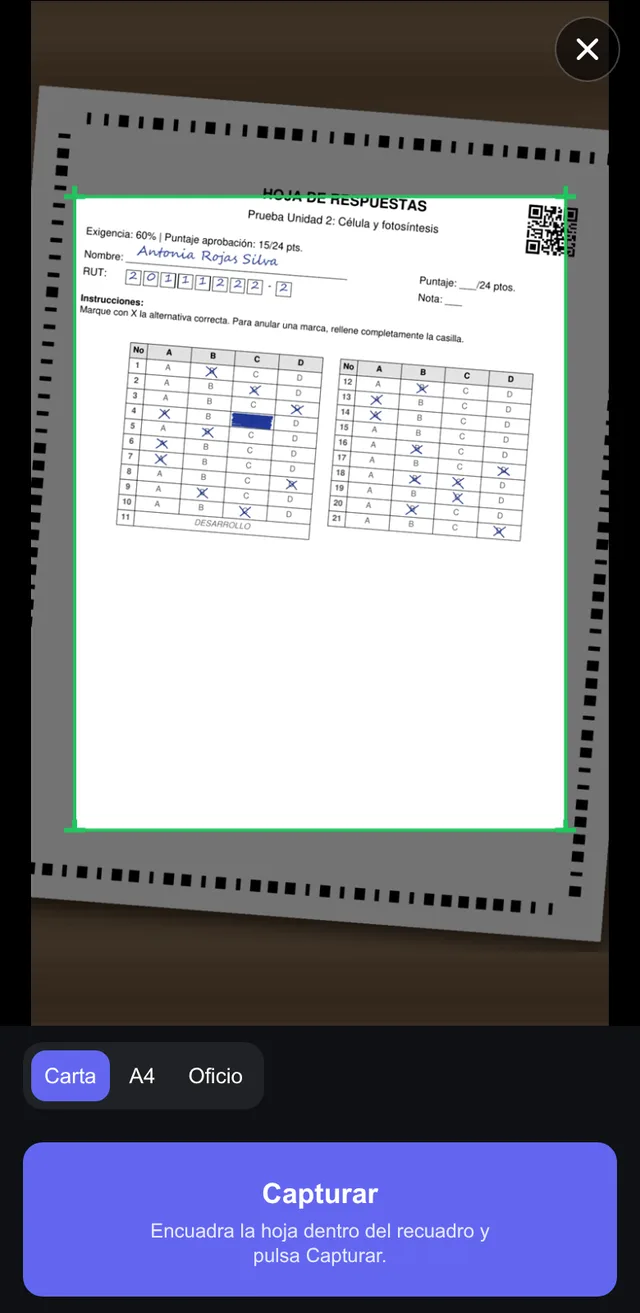
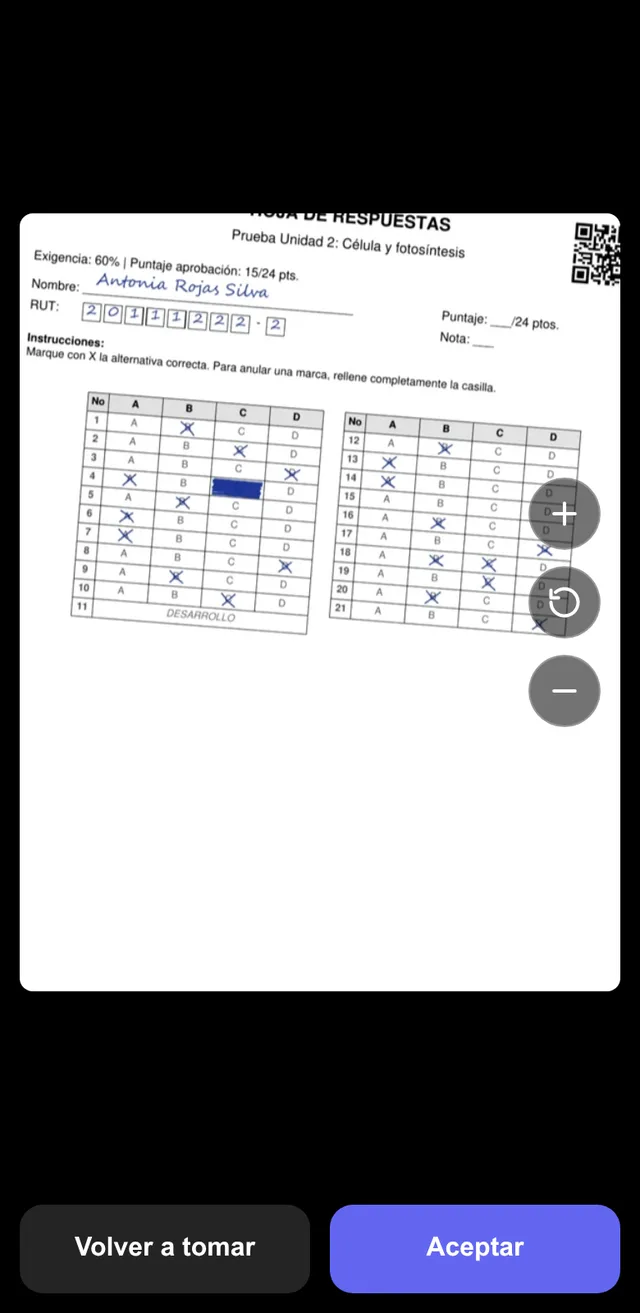
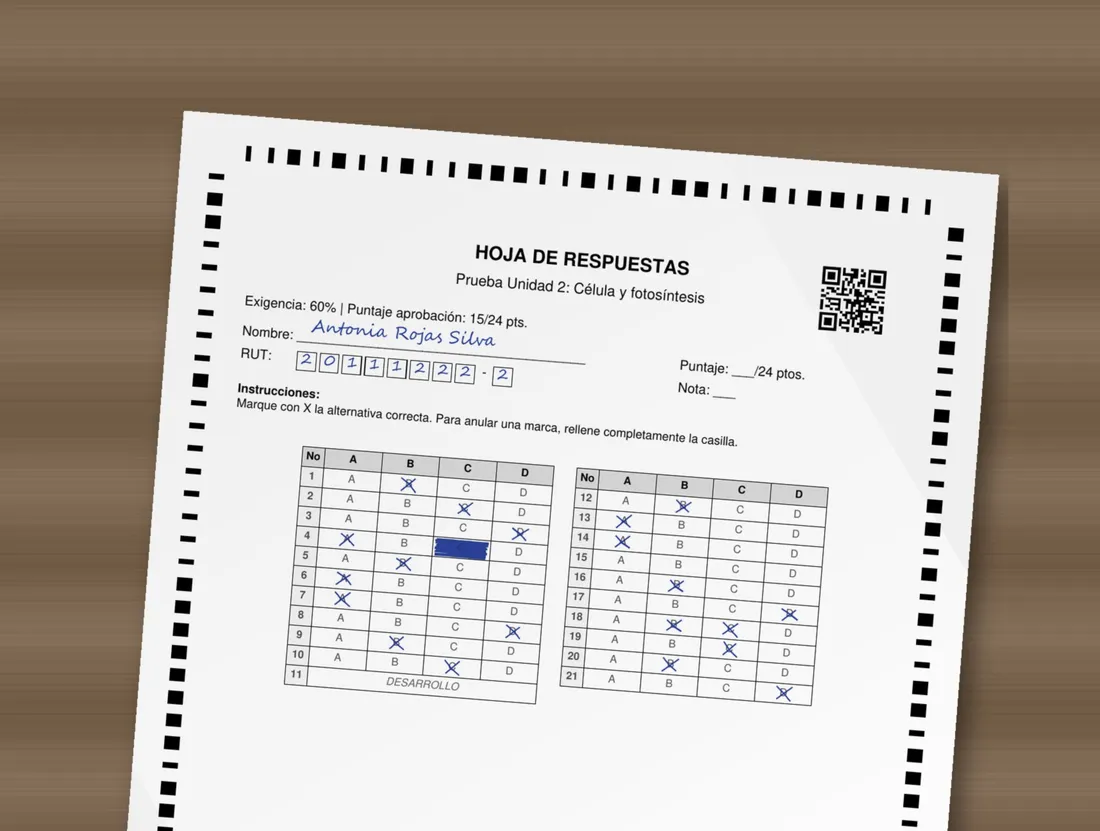
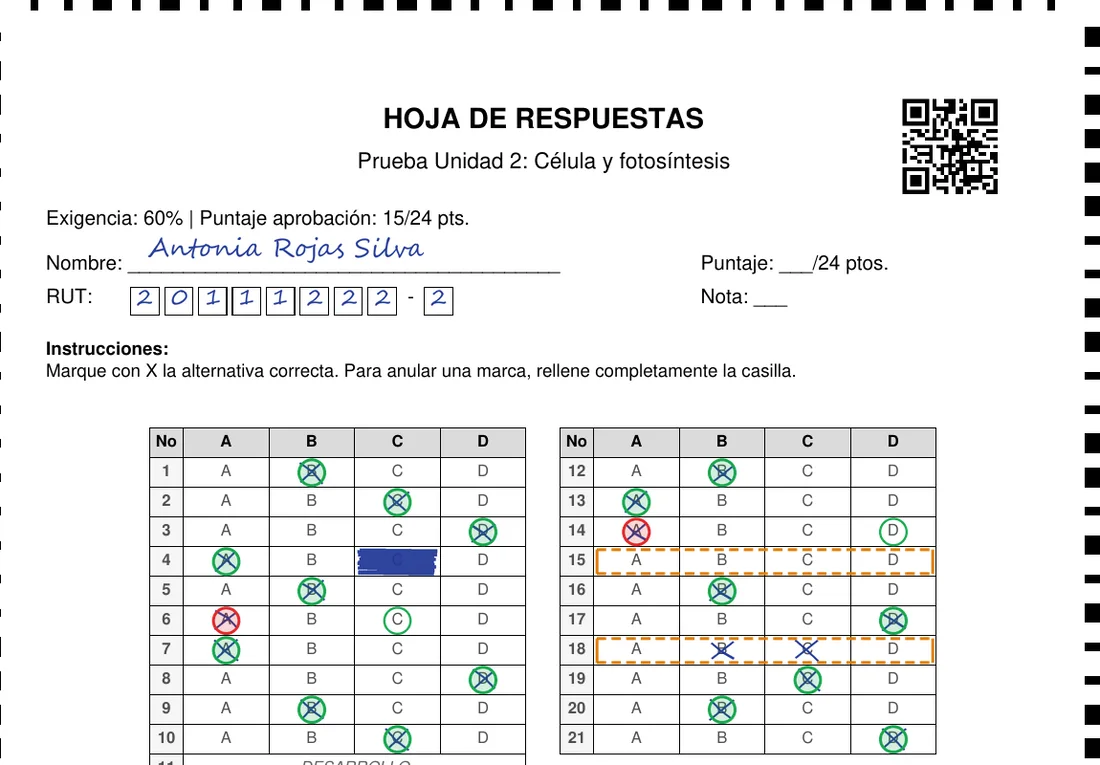
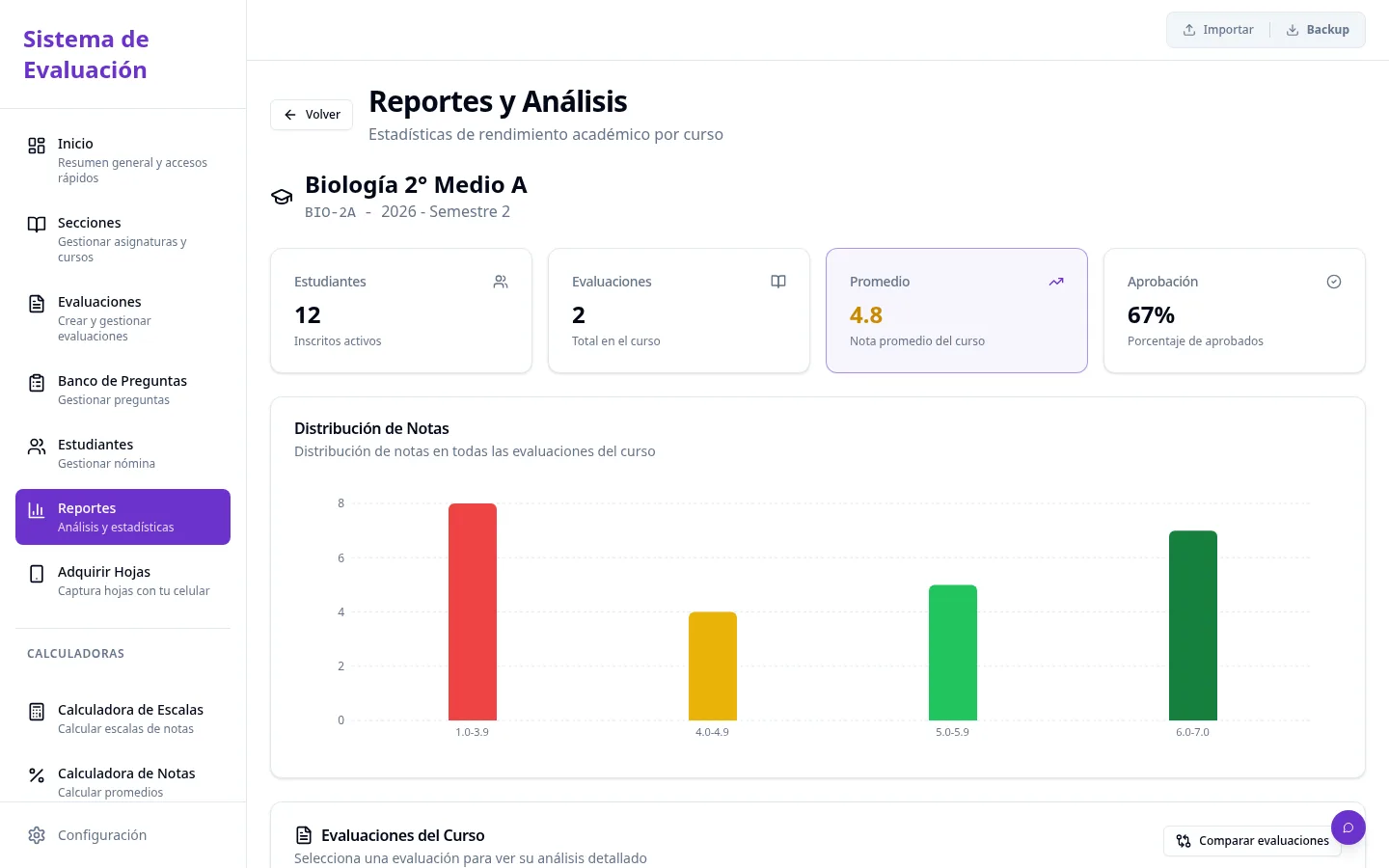
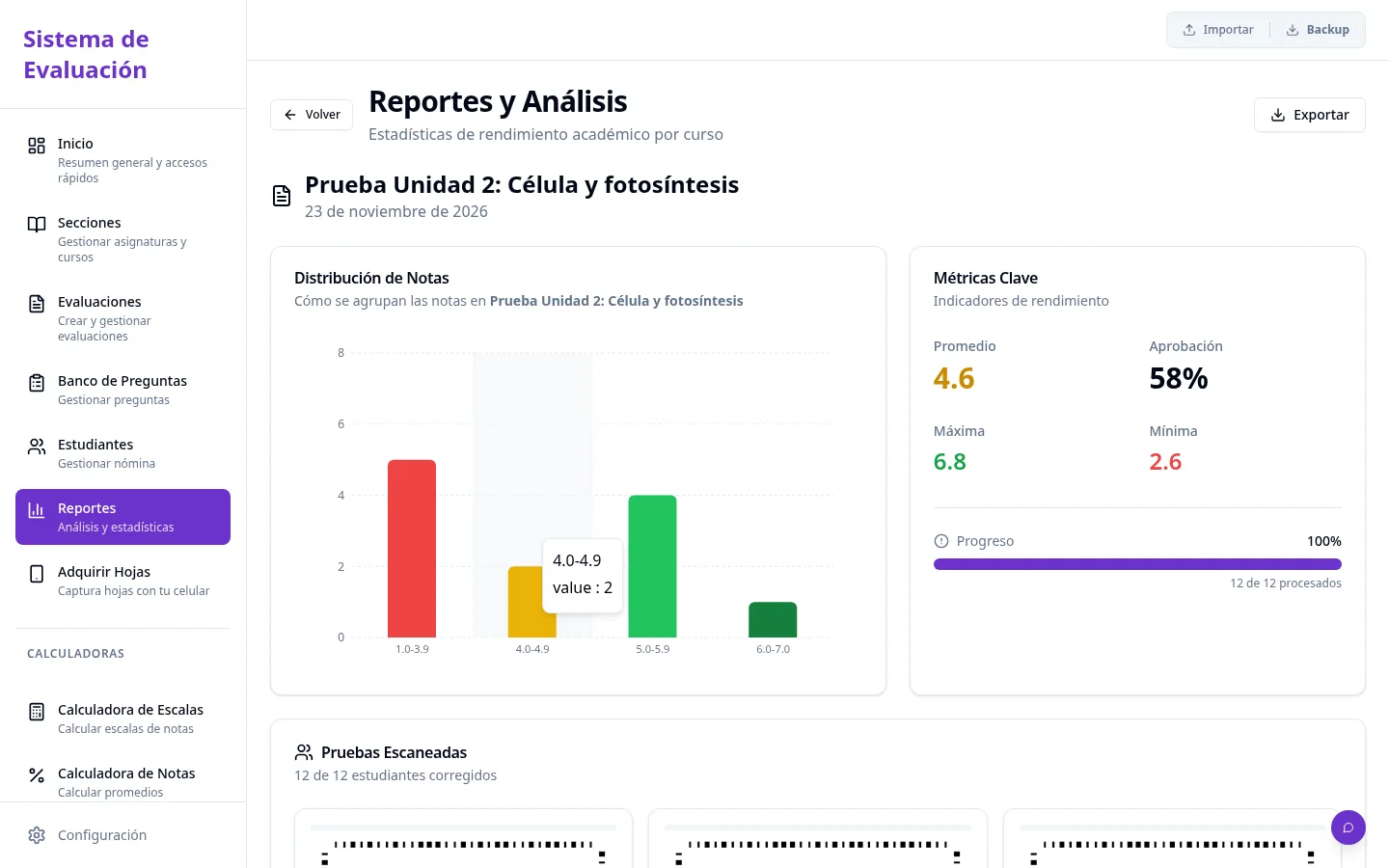
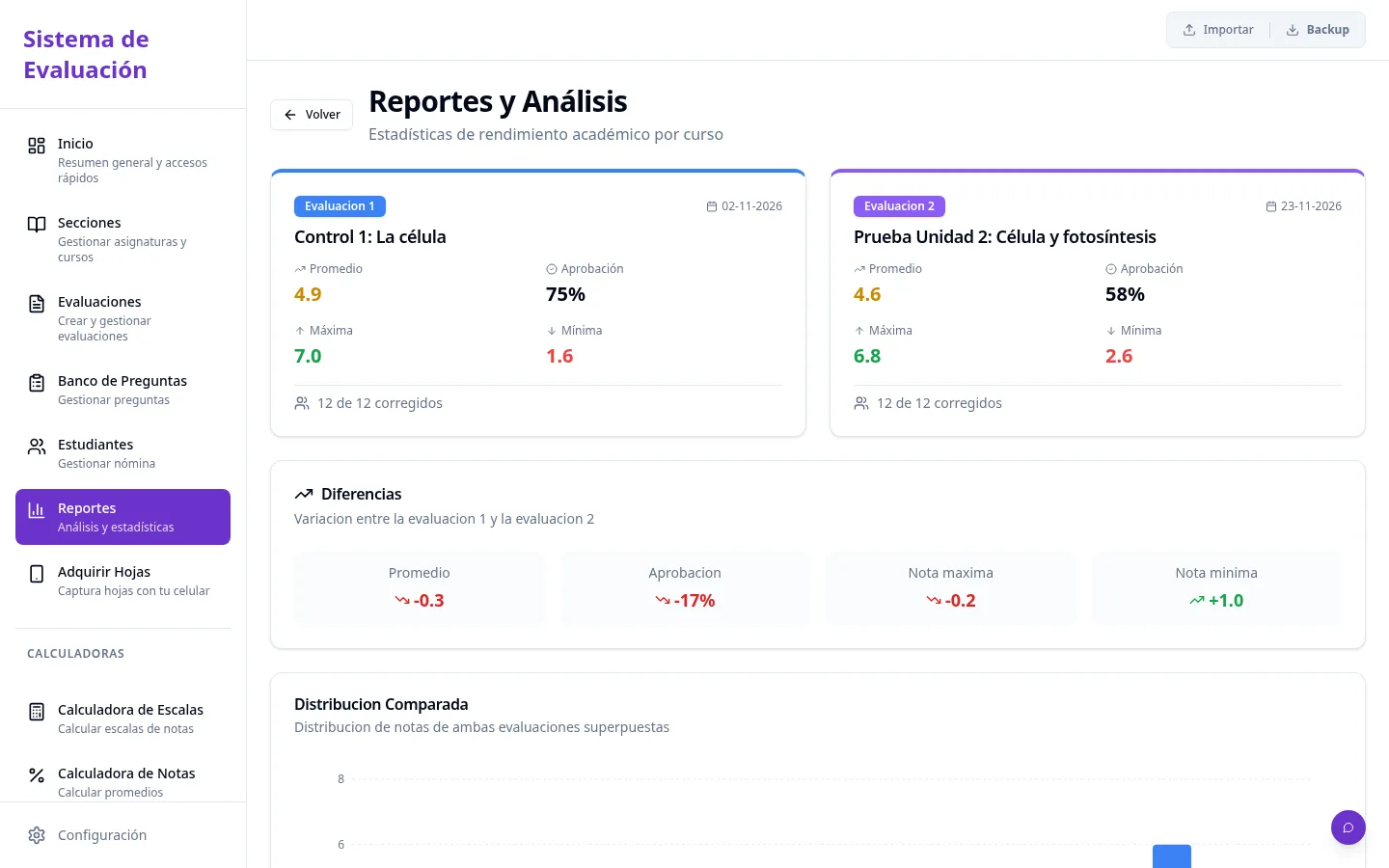
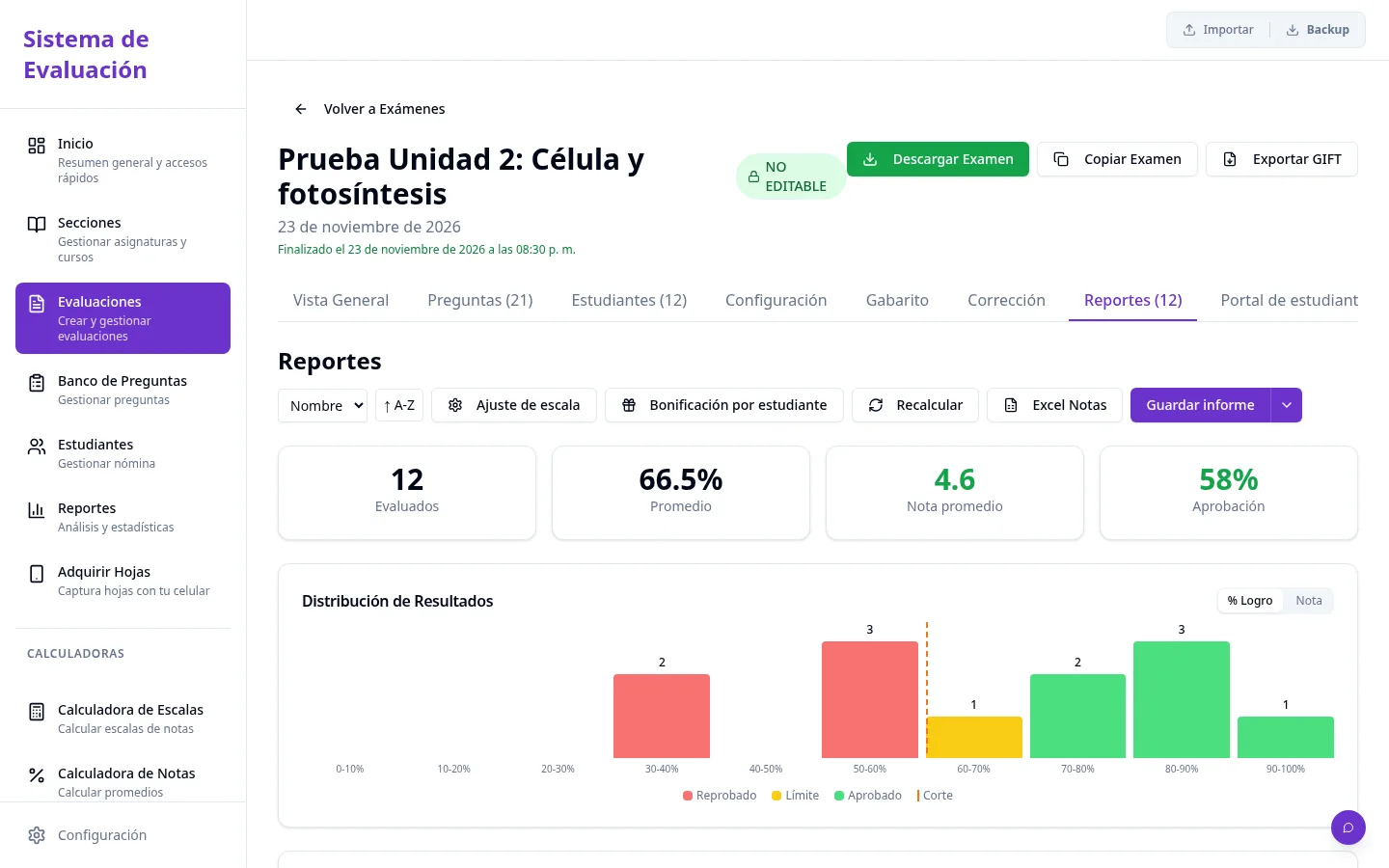
What remains after grading.
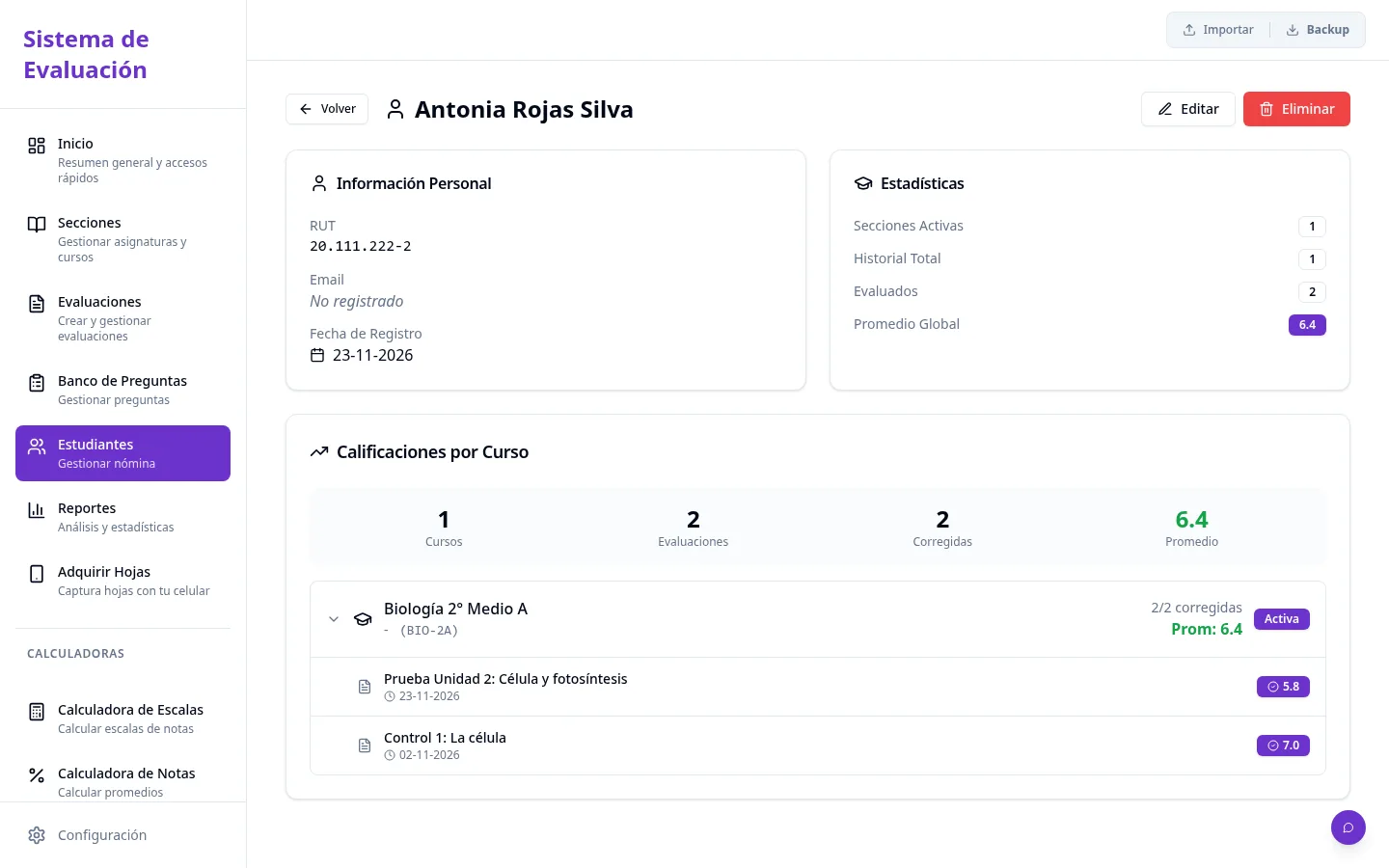
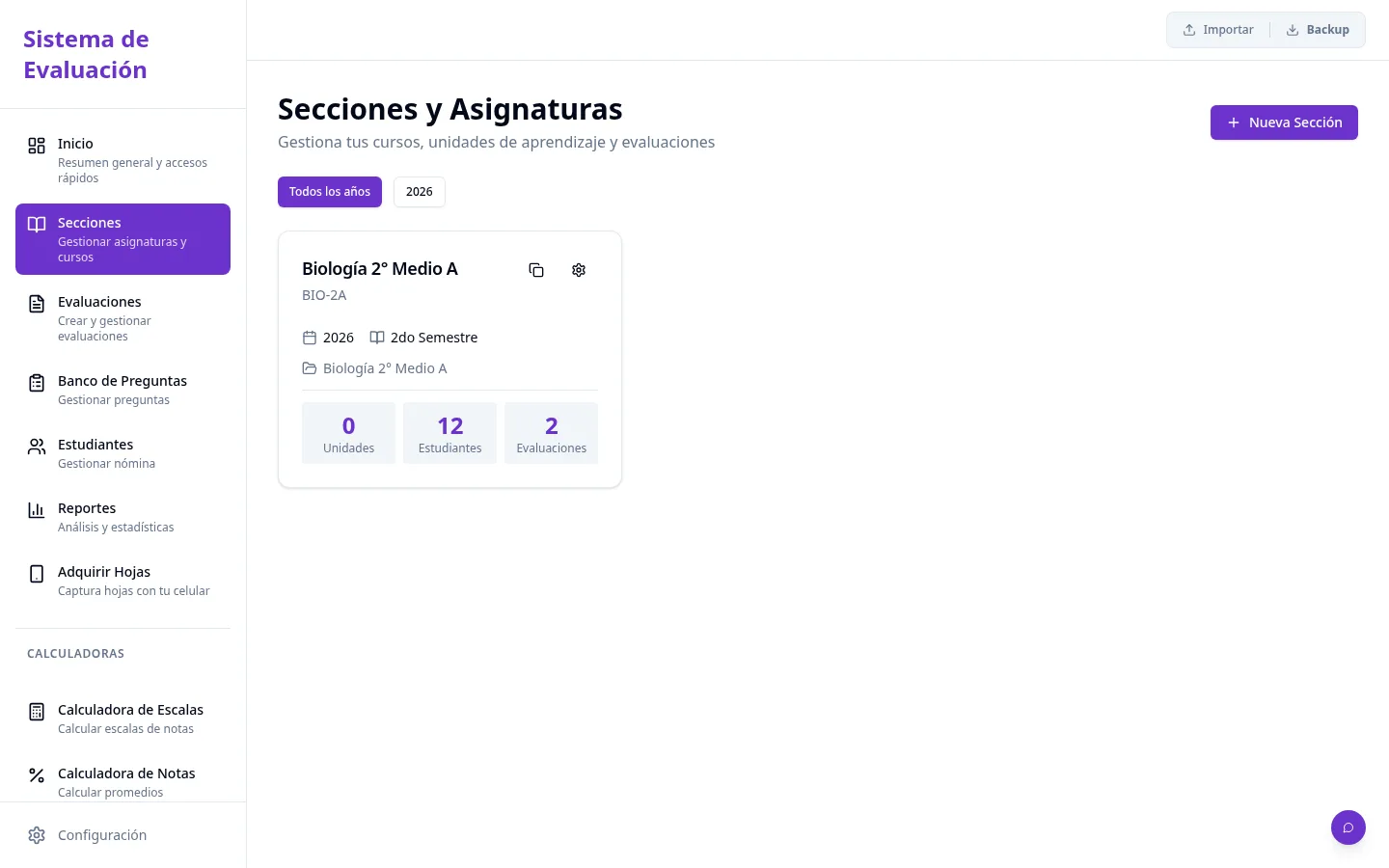
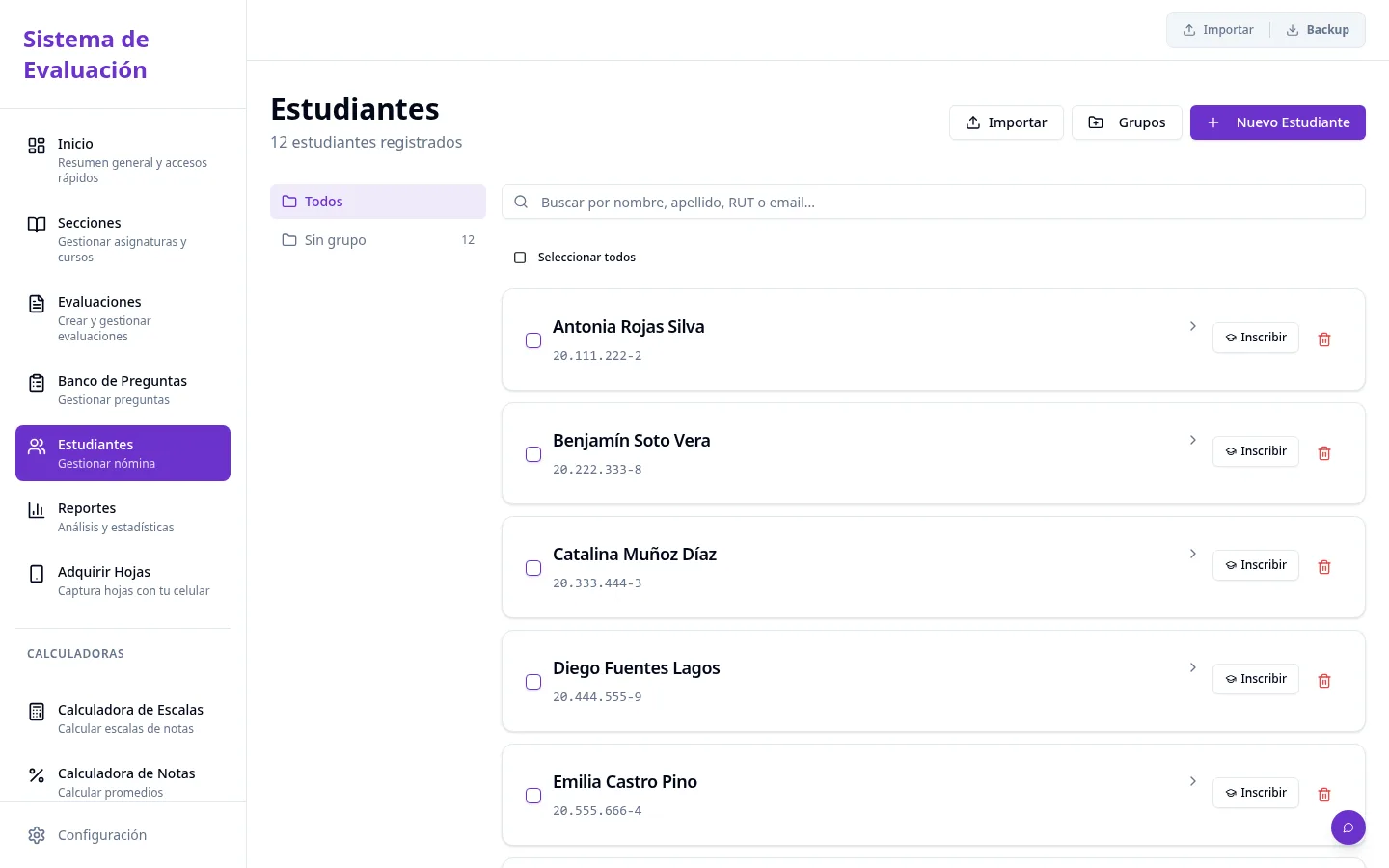
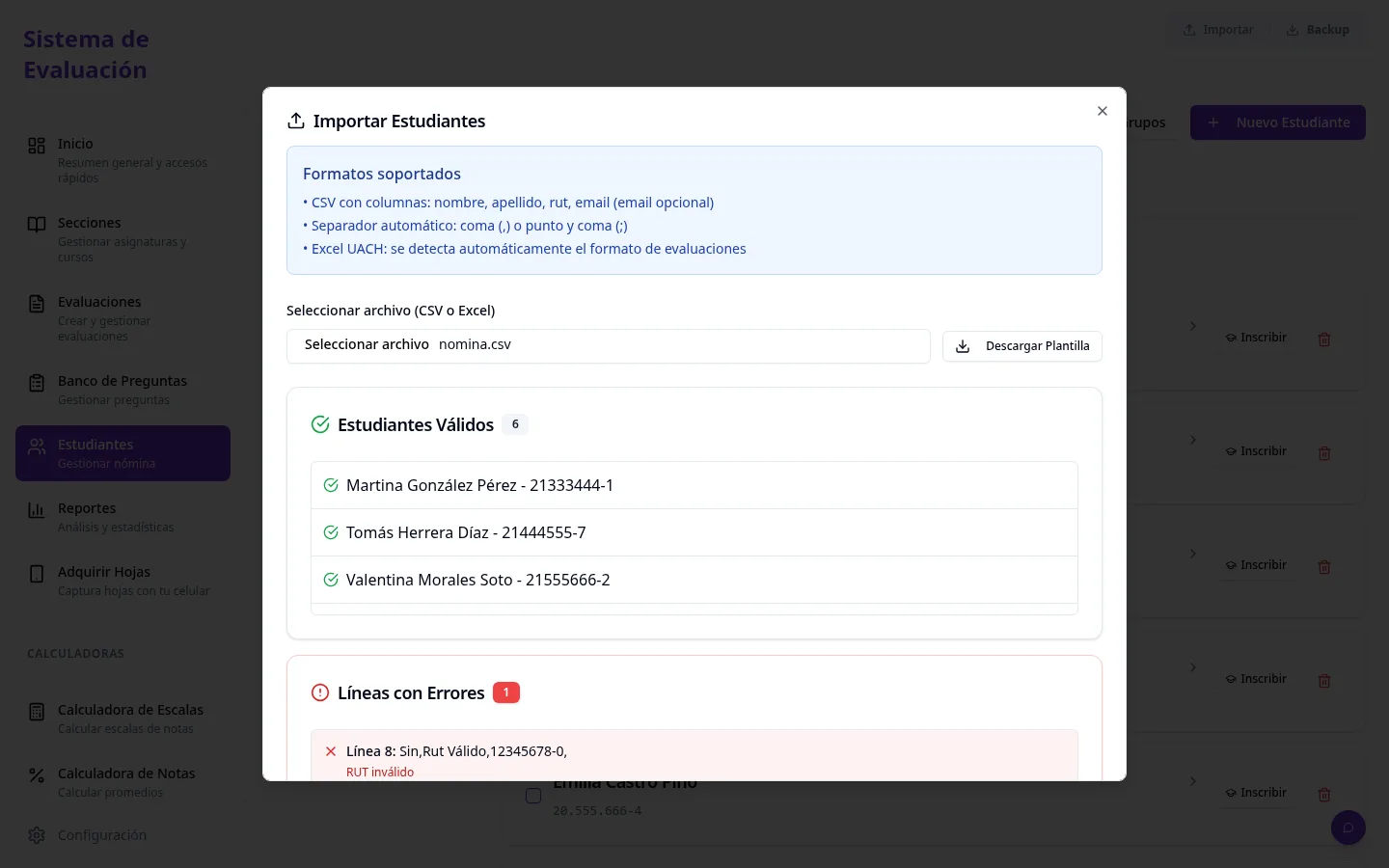
The roster is loaded once.
The practical side.

Write to us and we’ll arrange access. Tell us what subject or level you teach and how many classes you have.
siev63850@gmail.com